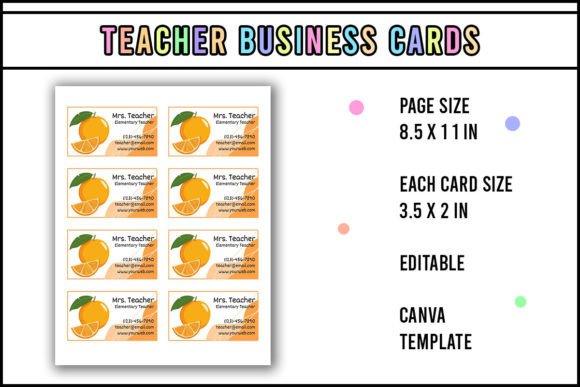
Orange Teacher Business Card
If you're a teacher, tutor, education entrepreneur, or creative who works with learning communities—this isn’t just another business card template. The Orange Teacher Business Card is a thoughtfully designed, editable Canva template built for clarity, warmth, and quiet professionalism. Its visual tone strikes a rare balance: friendly but focused, approachable but authoritative. Think soft orange accents—not neon, not burnt, but something that feels like sunlight through classroom windows. Clean lines, generous white space, and a subtle hand-drawn quality in the icons give it personality without sacrificing legibility.
This isn’t a generic “school-themed” design with apples and chalkboards. It’s modern typography meets educator sensibility: a sans serif base font (friendly, highly readable at small sizes), paired with a light handwritten accent for names or taglines—just enough character to feel human, never distracting. The layout guides the eye naturally: name first, role second, contact details third, and a warm “Thank you for visiting my Store. I hope this business card will help you more.” line that doubles as both closing and quiet call-to-action. It’s designed to be remembered—not because it shouts, but because it feels intentional.
Why This Template Fits Real Creative Workflows
You don’t need to be a graphic designer to use the Orange Teacher Business Card—but if you are one, you’ll appreciate how well it integrates into broader brand systems. It works seamlessly alongside lesson plans, workshop handouts, digital newsletters, social media banners, and even small-batch merch like tote bags or stickers. Because it’s built in Canva, you can pull consistent colors, spacing, and icon styles across all your assets—no hunting for hex codes or re-creating alignment grids.
It’s especially effective for educators launching side gigs: tutoring services, curriculum design, PD workshops, online courses, or educational consulting. The orange tone reads as energetic yet trustworthy—ideal when you’re building credibility with parents, school admins, or fellow educators. And unlike many “teacher” templates that lean too cutesy or overly academic, this one breathes. It leaves room for your voice, your values, your actual work—not just your job title.
Edit, Print, Cut, Laminate, Magnetize
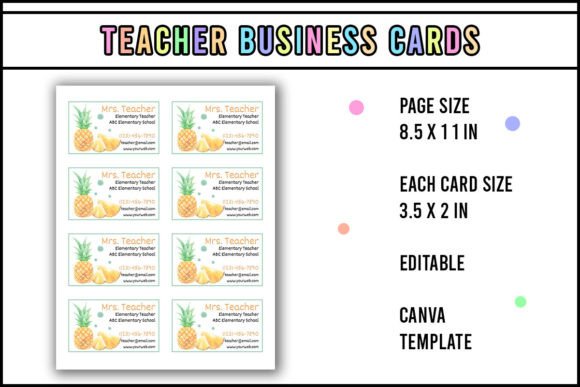
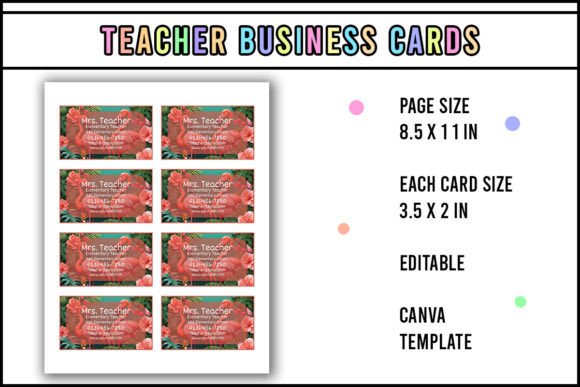
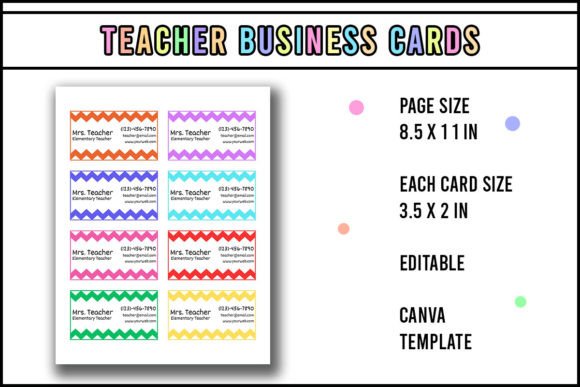
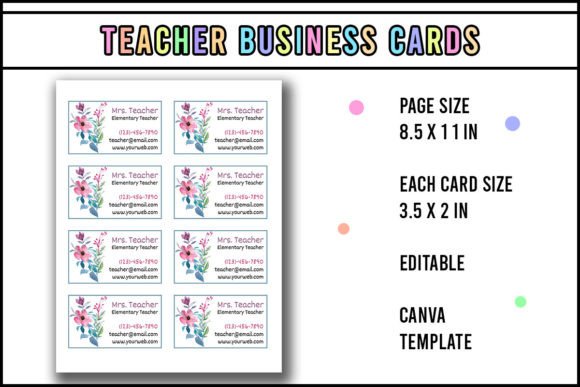
Here’s the practical part: You must use Canva to edit this template. That’s non-negotiable—and honestly, it’s a strength. Canva gives you real-time preview, instant color swaps, drag-and-drop text replacement, and responsive resizing so your card looks sharp whether printed on 3.5" x 2" stock or adapted for a digital portfolio thumbnail. No font licensing headaches. No missing files. Just open, adjust, download as PDF (print-ready, CMYK-friendly), and go.
Once edited, the workflow is tactile and reliable: print on sturdy 14pt or 16pt cardstock, cut precisely with a guillotine cutter or precision craft knife, laminate for durability (especially if handing out at conferences or school fairs), and attach a thin adhesive magnet to the back. Suddenly, your card isn’t just exchanged—it’s kept. Stuck to a fridge, filed on a desk, pinned beside a lesson planner. That tiny magnet transforms passive contact into persistent presence.
Typography That Supports, Not Overpowers
The type treatment in the Orange Teacher Business Card follows sound editorial design principles—not trends. The primary font is a clean, open-countered sans serif: highly legible at 8–10pt, with generous letter-spacing for quick scanning. No condensed fonts. No low-contrast grays. No decorative flourishes where clarity matters most. The secondary script element appears only once—usually for your name—and uses a restrained, slightly bouncy handwritten style: warm, but not childish; personal, but not sloppy.
This pairing creates natural visual hierarchy without bolding or ALL CAPS shouting. Your name stands out—not because it’s bigger, but because it’s the only element with texture. Your title sits just below in balanced weight and size. Contact info stays neutral, functional, and scannable. That kind of subtlety builds trust. It signals you’ve considered how people actually read, not just how fonts look on a mockup.
Fitting It Into Your Broader Brand Identity
Before dropping this into your next project, ask two questions: Does it reflect how I want to be perceived? and Does it work alongside what I already use? If your website uses a warm, rounded sans serif and your Instagram stories feature soft coral and cream tones—the Orange Teacher Business Card will slot right in. If your brand is monochrome, high-contrast, and minimalist, this may feel too gentle. That’s okay. Not every template serves every voice.
Test it practically: paste your real name and email into the template. Does it still feel like *you*? Try swapping the orange for navy or deep green—does the warmth shift into something more formal? Does the handwritten name still feel authentic, or does it now clash? These aren’t theoretical exercises. They’re how professionals refine consistency before printing 100 copies.
Also check licensing: this is a commercial Canva template, meaning you can use it for client work, sell printed cards, or include it in paid digital bundles—as long as you’re using Canva’s platform to edit and export. You cannot extract the fonts for use outside Canva, nor redistribute the raw template file. That limitation protects both you and the designer—and keeps your output predictable and polished.
A Tool, Not a Trophy
At its core, the Orange Teacher Business Card is designed for utility. It’s not meant to win awards. It’s meant to survive a backpack pocket, stay legible after three coffee spills, hold up under repeated fridge-door removals, and quietly reinforce your credibility every time someone glances at it. That requires thoughtful restraint—not flashy effects, not over-engineered layers, not endless customization options that paralyze decision-making.
It’s also built for iteration. Use it this month for a local teaching fair. Tweak the colors and icons next quarter for a virtual coaching launch. Swap the magnet for a QR code sticker later—still using the same foundational layout. That flexibility is why designers, content creators, and small business owners return to well-structured Canva templates again and again: they scale with your growth, not your workload.
So yes—edit it. Print it. Cut it cleanly. Laminate it thoughtfully. Stick that magnet on with care. Then hand it out like the quiet, confident tool it is: not a sales pitch, but a promise of connection, clarity, and follow-through.