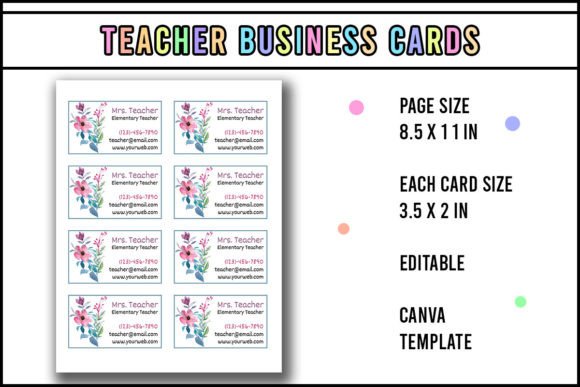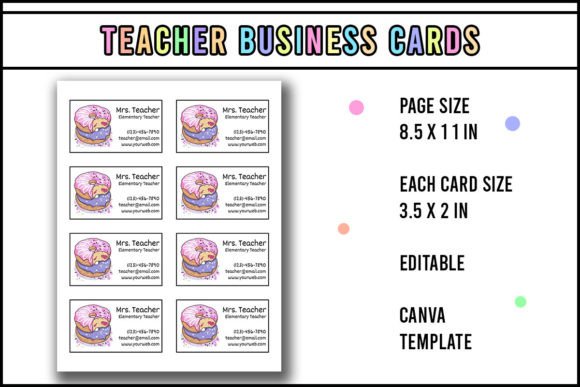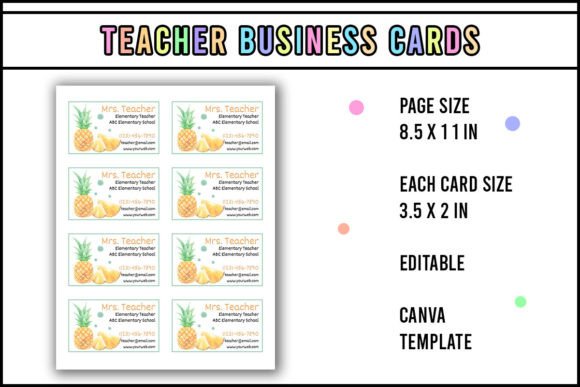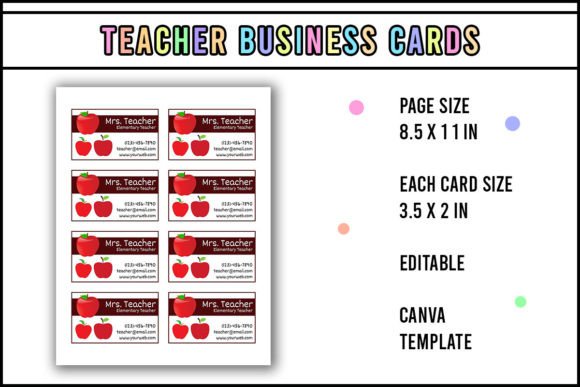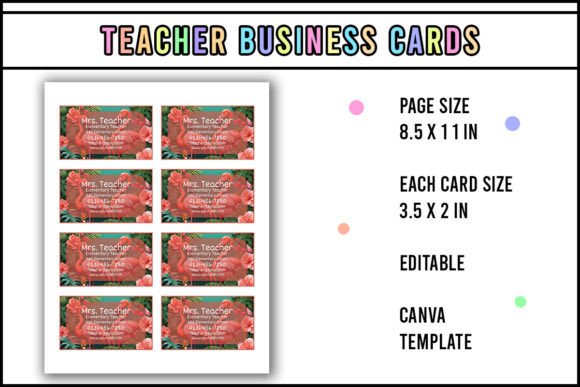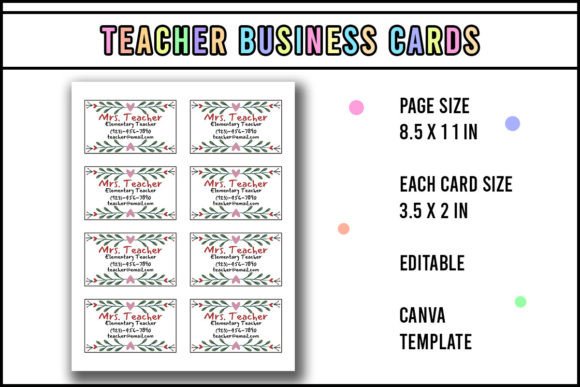
Teacher Business Card Editable Template
Whether you're handing out contact details at a parent-teacher conference, networking at an education summit, or sharing your services with local homeschool groups, a polished, professional business card makes an immediate impression. The Teacher Business Card Editable Template is designed for educators who need clarity, consistency, and control—without design experience or expensive software.
This isn’t a static PDF you print once and hope it lasts. It’s a fully editable Canva template—built with teachers in mind but flexible enough for tutors, curriculum designers, edtech consultants, and even school administrators who wear multiple hats. You don’t need to hire a designer or wrestle with layers in Photoshop. Just open it in Canva, customize the text, colors, and fonts, and export in minutes.
Why This Template Fits Real Teaching Workflows
Teachers juggle lesson planning, grading, IEP meetings, and community outreach—all while managing tight budgets and limited prep time. A business card shouldn’t add friction. That’s why this template prioritizes practicality:
- One-click personalization: Replace names, subjects, grade levels, email, and social handles instantly—no reformatting required.
- Print-ready sizing: Designed at standard 3.5" × 2" dimensions with 0.125" bleed, so edges stay clean when cut.
- Magnet-ready layout: The back is intentionally left minimal—ideal for attaching adhesive magnets without covering essential info.
- Lamination-friendly: Crisp vector-style elements hold up beautifully after laminating, resisting smudges and daily wear.
Unlike generic templates that default to clipart apples or chalkboard textures, this one uses clean typography, balanced white space, and subtle educational cues—like soft color palettes inspired by classroom calm (think sage greens, warm taupes, or muted blues) rather than loud, distracting themes.
Where Educators Actually Use These Cards
It’s easy to assume business cards are “for salespeople”—but in education, they’re quiet tools of connection and credibility. Here’s how real users apply the Teacher Business Card Editable Template:
- Back-to-school nights: Parents remember names better when they have something tangible—and cards with QR codes linking to your class website or digital syllabus reduce follow-up emails.
- Professional development events: When you meet a literacy coach or STEM specialist you’d like to collaborate with, swapping cards feels more intentional than exchanging phone numbers on a napkin.
- Tutoring or freelance work: Independent educators use the magnet version on fridges or whiteboards—so families see your contact info every day, not just during registration season.
- School vendor fairs or PTA booths: A laminated, magnet-backed card stays visible on display boards, helping you stand out among flyers and brochures.
One middle school science teacher shared that after switching from handwritten index cards to this template, she saw a 40% increase in parent sign-ups for her after-school coding club—simply because the card included a scannable QR code to her Google Form, and its clean look signaled professionalism and preparedness.
What Makes It Stand Out From Other Teacher Templates
You’ll find dozens of “teacher card” designs online—but most fall into two traps: oversimplified (just a name and email) or overdesigned (crowded icons, unreadable script fonts, or forced puns). This template avoids both.
It includes smart structural choices: a designated spot for a headshot (optional but effective for building trust), a subtle line break between contact types (email vs. phone vs. website), and room for a short tagline—like “Grades 3–5 | Project-Based Learning” or “ESL Tutor | Conversation-Focused Instruction.” That small detail helps people instantly categorize your role and relevance.
And because it’s built in Canva—not Illustrator or Figma—it works across devices. Edit on your laptop during planning period, tweak font size on your tablet while waiting for a meeting, or adjust colors on your phone before printing at the library kiosk. No desktop app installs. No subscription fees beyond Canva’s free tier (which supports full editing and PDF export).
Realistic Tips Before You Start Editing
Before diving into Canva, consider these practical notes:
- You must use Canva to edit. This isn’t a PowerPoint or Google Slides file. Canva’s drag-and-drop interface gives you precise control over spacing and alignment—critical when working with small print areas. If you haven’t used Canva before, spend five minutes watching their “Text & Typography” tutorial—it’ll save hours later.
- Test print first. Even with bleed settings, home printers vary. Print one copy on plain paper, cut it carefully, and hold it next to a credit card to check proportions. Adjust margins if needed before printing on cardstock.
- Choose matte over glossy for lamination. Glossy finishes can glare under fluorescent lights or reflect poorly in photos—matte holds ink better and feels more tactile and trustworthy in hand.
- Use consistent branding. If you have a school email signature, class newsletter, or Instagram bio, mirror those fonts and accent colors here. Consistency builds recognition faster than any slogan.
Also worth noting: while the template includes magnet-back instructions, skip super-strong neodymium magnets unless you’re attaching to stainless steel surfaces. Flexible rubber-backed magnets work reliably on most filing cabinets, whiteboards, and fridge doors—and won’t damage surfaces or peel off after repeated removal.
A Tool That Grows With Your Role
Teaching roles evolve—and so should your materials. One user started as a classroom teacher, used the Teacher Business Card Editable Template for three years, then repurposed it when launching her own educational podcast. She changed only the tagline (“Host, The Reflective Educator Podcast”) and added her Apple Podcasts link—same layout, new audience, zero redesign cost.
That adaptability is intentional. This isn’t just about handing out contact info. It’s about owning your professional identity—clearly, confidently, and consistently—whether you’re introducing yourself at a district leadership training or connecting with parents in the school parking lot after dismissal.
Thank you for visiting my Store. I hope this business card will help you more.