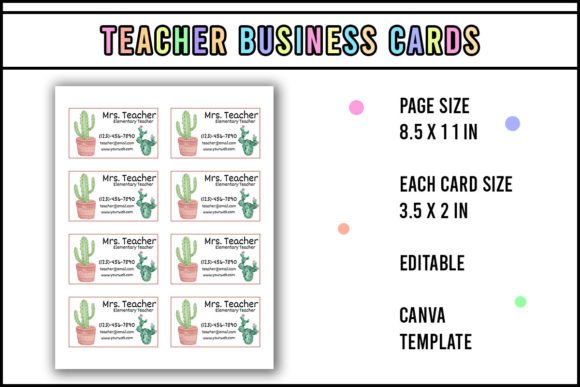
Cactus Teacher Business Card
Looking for a business card that reflects warmth, personality, and professionalism—without hours of design work or costly custom print runs? The Cactus Teacher Business Card is an editable Canva template built specifically for educators, tutors, homeschoolers, and creative learning professionals who want to make a memorable first impression—fast.
It’s not just another clipart-heavy design. This template balances playful cactus motifs with clean typography, thoughtful spacing, and educator-appropriate color palettes—soft greens, warm terracottas, and muted neutrals that feel grounded, not gimmicky. And because it’s built for Canva, you’re never locked into rigid layouts or outdated software.
A common misunderstanding: “I can edit this anywhere”
One of the most frequent missteps people make is assuming they can open and customize the Cactus Teacher Business Card in PowerPoint, Google Slides, or even Adobe Express. That’s not possible—and trying leads to distorted text, missing fonts, broken layers, or uneditable elements.
Here’s why: This template uses Canva-specific features—custom font pairings (many of which are only available in Canva), transparent PNG overlays, dynamic resize handles, and responsive layout grids—that don’t translate across platforms. Opening it in another tool strips away functionality—not just aesthetics.
✅ Better approach: Use Canva *as intended*. You don’t need a paid plan to edit it—Canva’s free tier supports full customization of this template, including changing colors, swapping photos, updating contact details, and adjusting layout spacing. Just sign in, click “Use template,” and start editing.
Overlooking print-ready specs—until it’s too late
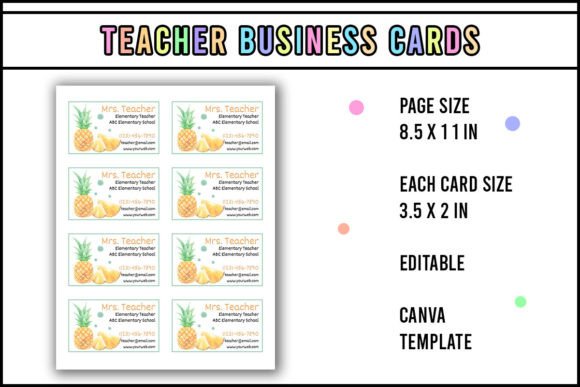
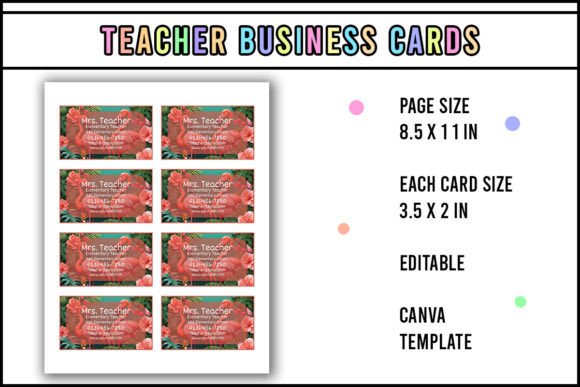
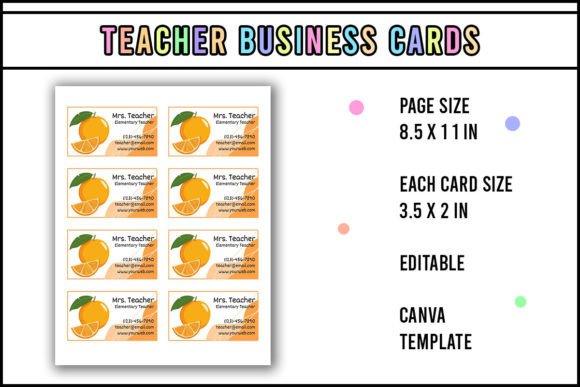
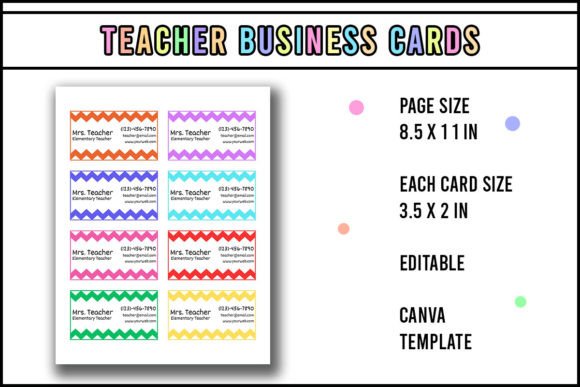
Many users download, edit, and send the file straight to a local print shop—only to discover margins are cut off, colors look washed out, or the magnet backing won’t adhere evenly. Why? Because the Cactus Teacher Business Card is designed at 3.5" × 2" (standard business card size) with 0.125" bleed and embedded CMYK-friendly swatches—but those details only matter if you export correctly.
⚠️ Mistake: Exporting as a standard PNG or JPEG from Canva without selecting “PDF Print” and checking “Crop marks & bleed.” That leaves no room for trimming errors and risks vital content getting clipped during physical cutting.
✅ Better approach: Before printing, go to Share → Download → PDF Print. Toggle on “Crop marks” and “Bleed.” If you’re laminating and adding magnets, choose a matte laminate finish—it reduces glare and holds adhesive better than glossy. And always order a single test print first—especially if using a new vendor.
Assuming “edit” means “no design thinking required”
Editing doesn’t eliminate the need for intentionality. Some users drop in their logo, change the name font to Comic Sans, add five phone numbers, and call it done—then wonder why cards feel cluttered or unprofessional.
The Cactus Teacher Business Card gives you flexibility, but it still follows visual hierarchy principles: one focal point (usually your name or role), secondary info (subject/grade level or services offered), and tertiary details (contact methods). Overloading any section undermines clarity.
✅ Better approach: Ask yourself: *What’s the single action I want someone to take after seeing this card?* If it’s booking a tutoring session, prioritize your Calendly link over your home address. If it’s connecting via Instagram, make the handle large and scannable—not buried in a tiny footer. Use Canva’s alignment guides and spacing presets—they exist for a reason.
Skipping the magnet attachment step—or doing it wrong
This template is designed to be laminated *and* magnet-backed, turning it into a functional classroom or fridge tool. But skipping lamination before attaching the magnet leads to curling, peeling, or uneven adhesion. And using generic craft glue instead of strong, flexible magnet adhesive (like E6000 or 3M VHB tape) means cards fall off within days.
✅ Better approach: Laminate first—use 10-mil matte film for durability and reduced reflection. Then apply self-adhesive magnetic sheets (cut slightly smaller than the card) to the back. Press firmly with a credit card edge to eliminate air bubbles. Let cure 24 hours before placing on metal surfaces.
What to check before downloading or purchasing
Before committing—even if it’s free—verify three things:
- File type: Confirm it’s labeled “Canva template” (not a static JPG/PNG download). Look for the Canva logo and “Edit on Canva” button.
- Font compatibility: Open the template in Canva and hover over text boxes. If fonts show as “Canva Font” (not “Missing Font”), you’re good to go. No manual substitution needed.
- Layout responsiveness: Try resizing a text box or dragging an element. If everything snaps cleanly and stays proportionate, the grid system is intact—meaning your edits won’t break the design.
If any of these fail, the file may be outdated, corrupted, or repackaged without permission. Stick to trusted sources—ideally the original creator’s Canva portfolio or verified educational design hub.
Why this works beyond aesthetics
For teachers juggling lesson plans, grading, and parent communication, time isn’t just limited—it’s fragmented. A well-designed, instantly editable business card like the Cactus Teacher Business Card removes friction from professional visibility. It’s not about looking “cute.” It’s about consistency: same branding across your classroom door sign, parent newsletter footer, and conference table handout.
And because it’s editable in Canva, you can refresh it in under five minutes—switching from “Grade 3 Math Tutor” to “Summer STEM Camp Lead” or adding a new Zoom link when your schedule changes. That adaptability is what turns a static piece of paper into a living part of your teaching identity.
So yes—edit, print, cut, laminate, attach a magnet. But do it thoughtfully. Start with the right tool (Canva), respect the design logic behind the template, and keep your audience’s next step front of mind. That’s how a simple card becomes a quiet, reliable extension of your professionalism—and why educators keep coming back to the Cactus Teacher Business Card.